Post to Notion
Visit Website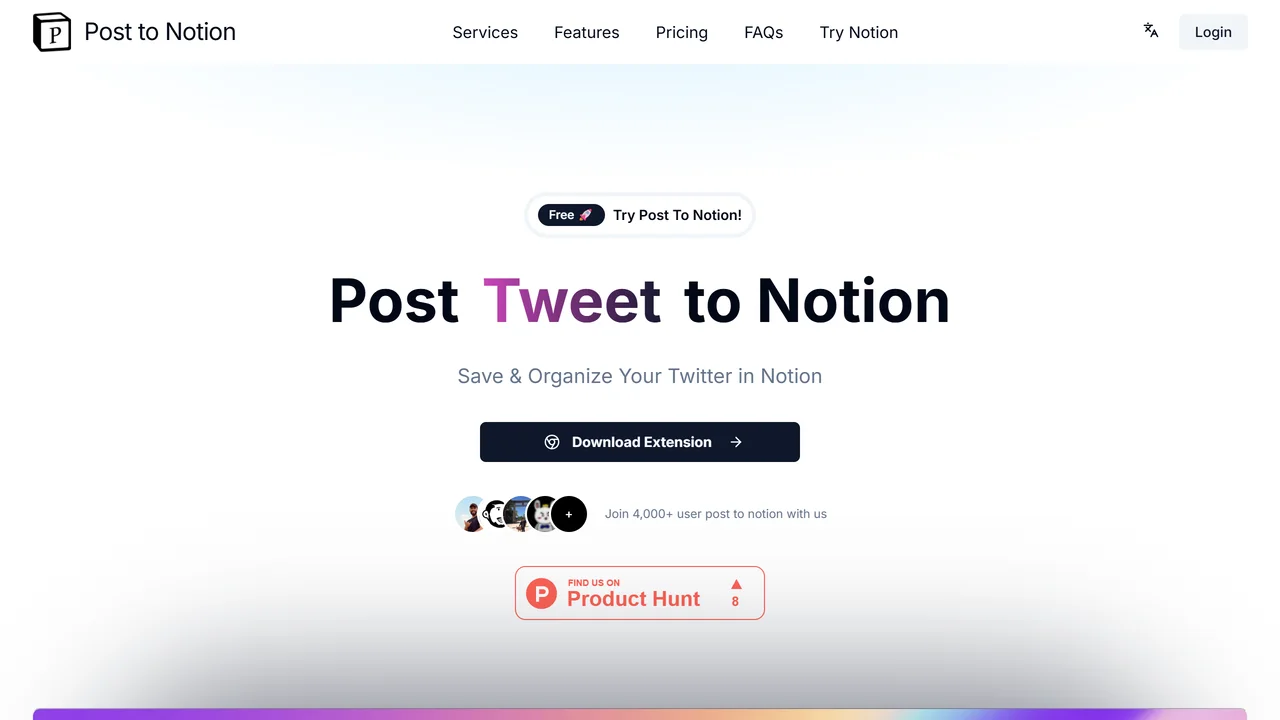
What is Post to Notion?
Post to Notion is a powerful tool that seamlessly integrates your X (formerly Twitter) favorites with your Notion workspace, enabling you to save, organize, and manage tweets and threads effortlessly. With over 4,000 satisfied users, this tool eliminates the need for manual copy-pasting and switching between tabs, streamlining your content curation process.
Features include customizable tagging, which allows you to categorize tweets and threads based on your preferences. You can create tags for topics like "AI," "Marketing," or "Productivity," ensuring that every saved piece of content is neatly organized. The tool automatically sends selected tweets to your Notion database, where they are stored in a dedicated Bookmark template designed specifically for managing tweets and threads. This template supports various views such as boards, lists, and calendars, leveraging Notion's powerful view features to present your saved content in the most intuitive way.
Benefits are substantial: you save time by automating the saving process, reduce clutter by organizing content with tags, and enhance your productivity by having all valuable X content accessible within Notion. Use cases range from researchers and journalists who need to bookmark sources, to marketers tracking industry trends, to individuals curating personal learning resources. Technical details include a simple browser extension that works with your X account, requiring minimal setup. Once installed, you can save tweets with a single click, and the tool integrates smoothly with your existing Notion workspace, supporting both free and paid Notion plans. The 30-day free trial allows you to experience the full functionality without commitment, making it easy to see how Post to Notion can transform your workflow.
Use Cases
Key Features
X favorites integration Notion workspace sync customizable tagging automatic tweet saving Bookmark template support multiple view options content curation automation time saving organizationWho is it for?
content curators, social media managers, marketers, researchers, writers, productivity enthusiasts, Notion users