What is Termdock?
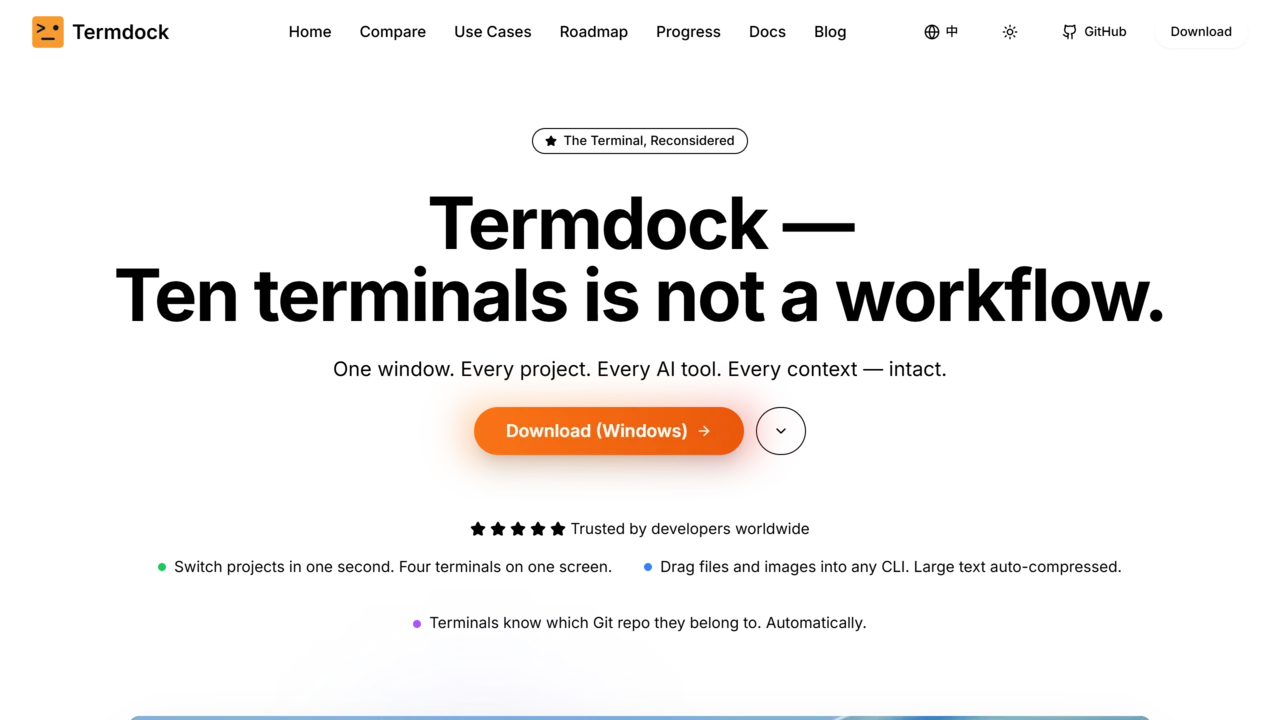
Termdock is a revolutionary AI terminal that transforms how developers interact with command-line tools and manage multiple projects. Unlike traditional terminals, Termdock allows you to drag and drop files, images, and text directly into any CLI tool—curl, ffmpeg, git, and more—with automatic path detection and command completion. This eliminates manual typing and accelerates workflows.
With multi-workspace support, each project gets its own root directory, terminals, and state. You can switch between 10+ workspaces without losing context, keeping Docker containers, Redis instances, logs, and tests all running and visible simultaneously. The built-in Monaco Editor provides a powerful editing experience, while Git Blame and AST analysis tools offer deep code insights across 13 languages. Point at any symbol to see its definition, callers, and dependencies—no grep or guessing required.
Termdock’s interface is highly customizable with dark mode, light mode, custom backgrounds, and multiple color schemes. The WebGL renderer automatically switches between battery and plugged-in power, and hidden windows pause timers to reduce energy consumption. Agent permission requests, questions, and exit plans from Claude, Codex, and Gemini are consolidated in one panel, so you can respond without hunting through terminals.
Key features include picture-in-picture for keeping important tasks in sight, a built-in file tree with preview and full-text search, and Git visualization for branches, tags, and commits. You can save, version, and share prompt templates across your team, applying them to any terminal with one click. AST search with terminal workflow pinpoints Kubernetes config issues in seconds, far more accurately than grep. Termdock works offline with zero plugins and is currently available for macOS and Windows, with other platforms coming soon. It’s the only terminal that combines drag-drop file support, multi-workspace management, and advanced AI integration into a single, efficient tool.
Use Cases
Key Features
drag and drop CLI multi workspace support Monaco Editor integration Git Blame analysis AST code insights automatic path detection WebGL renderer customizable themes energy saving timers agent permission requestsWho is it for?
developers, software engineers, DevOps engineers, system administrators, project managers, tech leads